

Overview
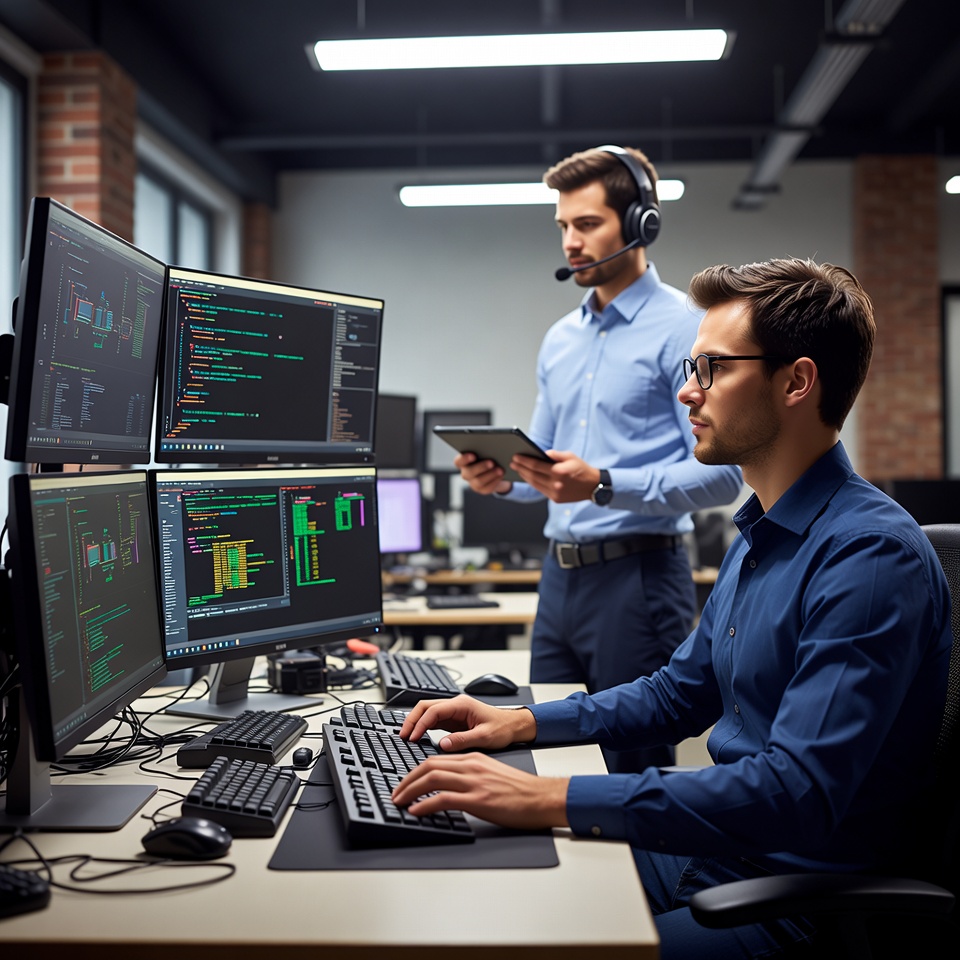
We provide professional Hardware & Software Support services across the UAE for homes, offices, businesses, and commercial environments. Our experienced technicians help diagnose, troubleshoot, repair, configure, and maintain computer hardware and software to keep systems reliable, secure, and efficient. From hardware failures and component upgrades to operating system errors, software crashes, driver issues, network problems, and system performance concerns, we provide practical technical solutions based on the actual condition of your computer. Our support covers desktops, laptops, workstations, and other common computing systems. Our technicians can assist with hardware diagnostics, RAM and storage upgrades, operating system troubleshooting, driver installation, software configuration, system optimization, peripheral setup, and general technical issues. We focus on resolving problems efficiently while minimizing disruption to your work or daily activities. We serve customers across Dubai, Sharjah, Ajman, Abu Dhabi, and surrounding UAE areas with professional tools, experienced technicians, transparent service, and dependable technical support.
Our Hardware & Software Support Solutions
We provide complete technical support covering both physical computer components and software-related problems.
Hardware Diagnosis & Component Support
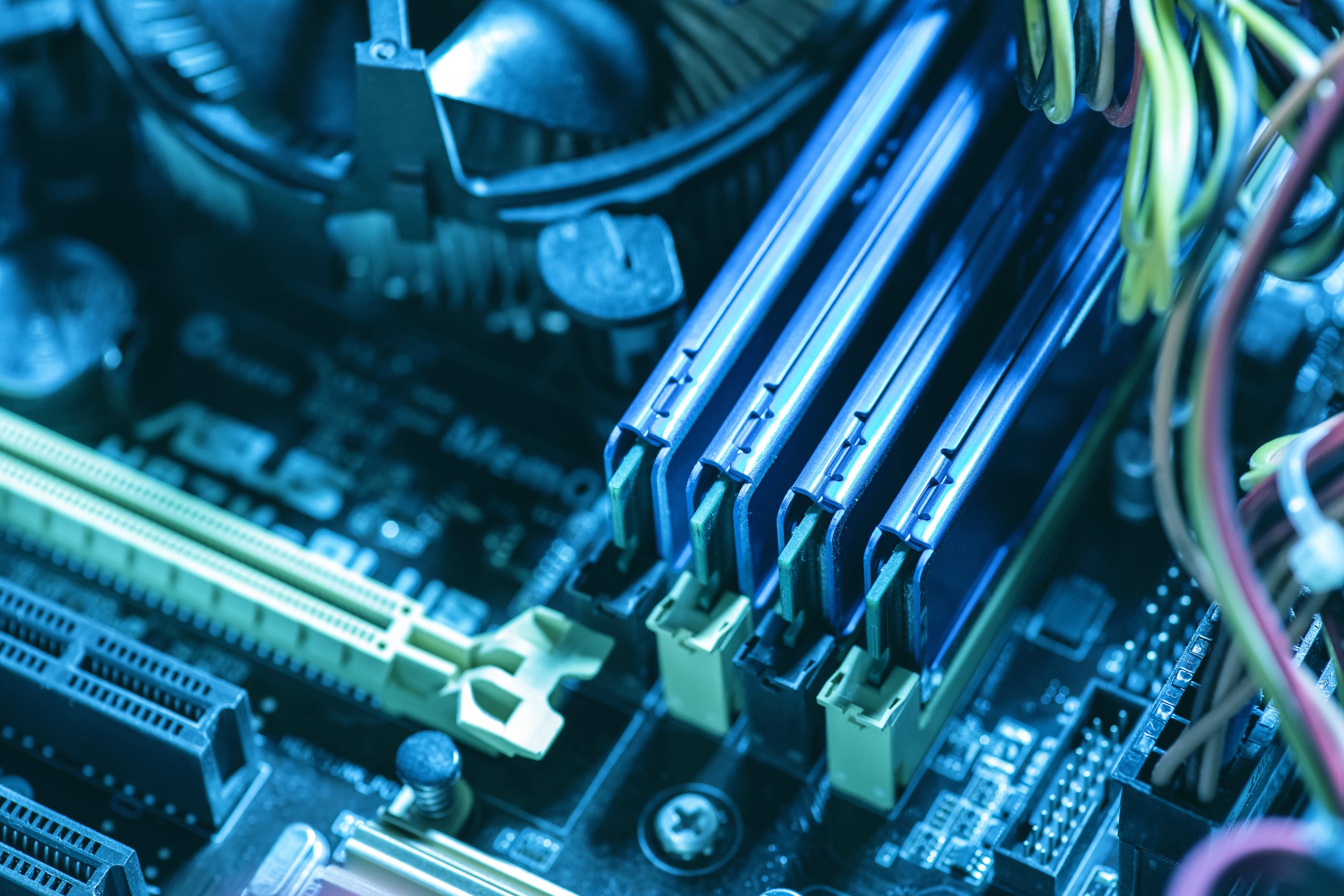
Hardware problems can affect system performance, stability, and reliability. Our technicians inspect components such as RAM, SSDs, hard drives, power supplies, motherboards, processors, graphics cards, cooling systems, and other peripherals to identify faults. Where required, we recommend suitable repairs, replacements, or upgrades based on your system requirements.
Software & Operating System Support
Operating system errors, application crashes, driver conflicts, corrupted files, and configuration problems can prevent your computer from working properly. We troubleshoot software-related issues, configure operating systems and drivers, resolve common errors, and help restore stable system operation.
Computer Upgrades & Optimization
If your computer has become slow or can no longer handle your daily workload, upgrading selected components may provide a significant improvement. We assess your current hardware and recommend suitable upgrades such as additional RAM, SSD storage, or other compatible components. We can also optimize system settings and remove unnecessary software that may affect performance.
Troubleshooting & Technical Assistance
Some computer problems are difficult to identify because they involve multiple hardware or software components. Our technicians investigate symptoms such as crashes, freezing, unexpected restarts, connectivity problems, peripheral failures, and performance issues. We work systematically to identify the underlying cause and provide an appropriate solution.
Our Hardware & Software Support Process
-
Step 1 – Understand Your Technical Issue
Contact us by phone, WhatsApp, or through our online form and describe the problem you are experiencing. Our team collects the relevant information about your computer, software, hardware, and symptoms so we can arrange the appropriate technical support.
-
Step 2 – Complete System Assessment
Our technician examines the computer and performs the necessary hardware and software checks. Depending on the issue, we inspect components, operating system settings, drivers, applications, storage, memory, connectivity, and other relevant areas to determine whether the problem is hardware-related, software-related, or both.
-
Step 3 – Diagnose & Recommend a Solution
After completing the assessment, we explain the identified issue and recommend the most practical solution. If a hardware component needs replacement, a software configuration needs to be changed, or an upgrade would improve performance, we explain the available options and provide a clear quotation before proceeding.
-
Step 4 – Implement the Solution
Once the service is approved, our technicians carry out the required work using appropriate tools and professional techniques. This may include hardware repair or replacement, RAM or SSD upgrades, operating system troubleshooting, driver installation, software configuration, system optimization, or peripheral setup.
-
Step 5 – Testing & Final Verification
After completing the support service, we test the system to confirm that the original problem has been resolved. We check system performance, hardware detection, operating system stability, applications, drivers, connectivity, and other relevant functions depending on the service provided. We complete the support only after confirming that the system is working properly.