
Desktop Computer Repairs
Overview
We provide professional Desktop Computer Repair services across the UAE, helping home users, offices, businesses, and organizations resolve hardware, software, performance, and system-related computer problems. A desktop computer can develop issues over time due to component wear, overheating, dust accumulation, software conflicts, operating system errors, power problems, or hardware failure.
Our experienced technicians provide desktop computer diagnosis, troubleshooting, repair, maintenance, component replacement, software support, and performance-related services. Whether your computer is not turning on, running slowly, restarting unexpectedly, showing errors, overheating, or experiencing hardware problems, we inspect the system to identify the actual cause before carrying out the required repair.
We handle common desktop issues involving power supplies, RAM, hard drives and SSDs, graphics cards, processors, cooling fans, motherboards, storage devices, operating systems, drivers, software, and system configurations. Hardware and software problems can sometimes produce similar symptoms, so proper diagnosis is important before replacing components or making major system changes.
Our desktop computer repair services are available across Dubai, Abu Dhabi, Sharjah, Ajman, and surrounding UAE areas. We focus on practical troubleshooting, suitable component replacement, system maintenance, and restoring reliable computer performance according to the condition and requirements of the device.
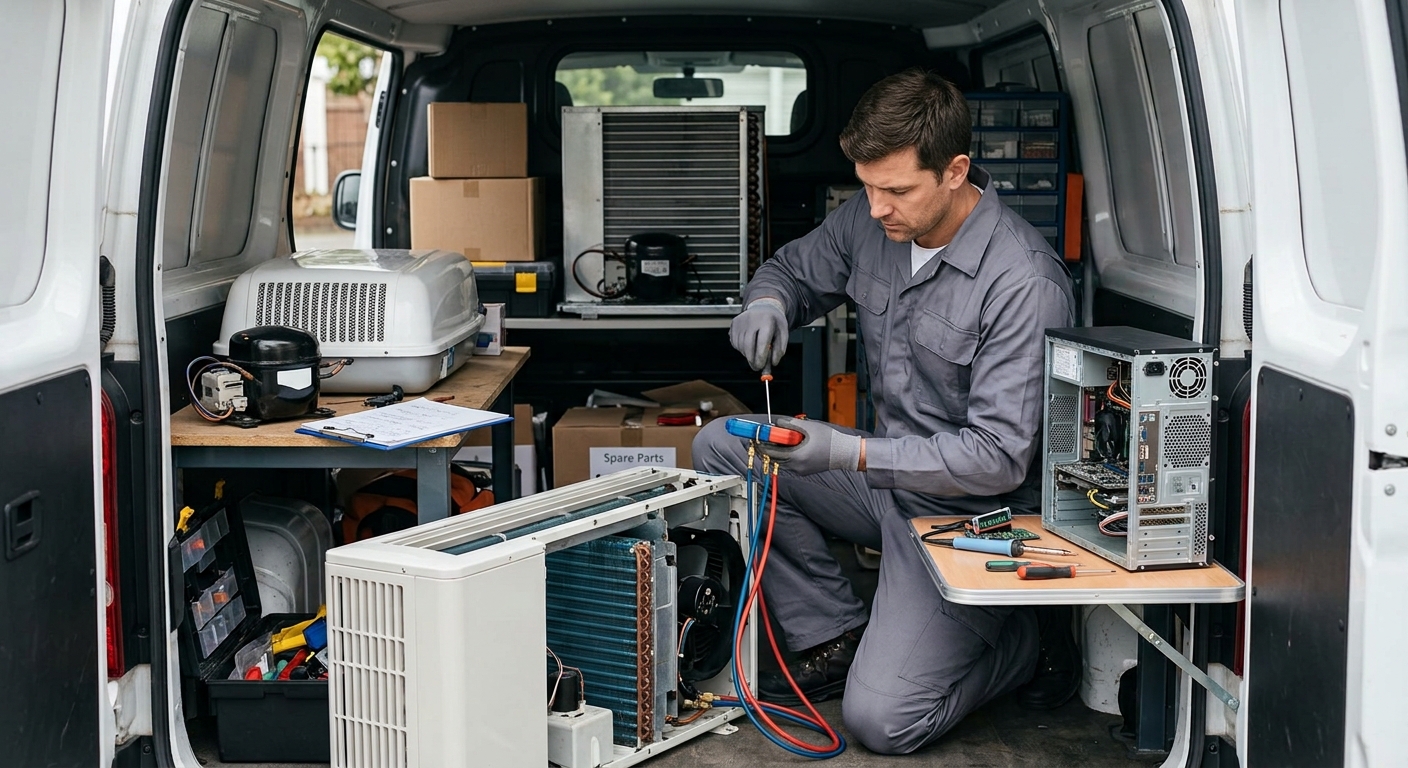
Our Desktop Computer Repair Solutions
Desktop Computer Not Turning On
A desktop that does not power on can have problems with the power supply, power cable, motherboard, power button, internal connections, or another hardware component. Our technicians inspect the power path and relevant internal components to identify the source of the problem. Once the fault is diagnosed, the required repair or component replacement is carried out using suitable parts.
Slow Performance & System Freezing
Slow startup, application delays, system freezing, and poor overall performance can result from insufficient RAM, storage issues, excessive background processes, software problems, overheating, or an aging hardware configuration. Our technicians assess both hardware and software conditions to identify the cause and perform the appropriate optimization, maintenance, or repair.
Hardware Failure & Component Problems
Faulty RAM, storage drives, graphics cards, cooling fans, motherboards, processors, and other components can cause crashes, display problems, unexpected shutdowns, or system instability. Our technicians inspect the relevant hardware and test components where appropriate to identify the faulty part. Damaged components can then be repaired where practical or replaced with compatible alternatives.
Windows, Software & Driver Issues
Operating system errors, corrupted files, incompatible software, driver problems, malware-related issues, and incorrect system settings can affect desktop computer operation. Our technicians troubleshoot software and operating system problems, check relevant drivers and configurations, and perform appropriate system repairs or software-related maintenance to restore normal operation.
Our Desktop Computer Repair Process
-
Step 1 – Schedule Your Desktop Computer Service
Contact us with details about the computer problem you are experiencing. Information such as startup failure, slow performance, system crashes, overheating, display issues, unusual sounds, or software errors helps our technicians understand the initial service requirement.
-
Step 2 – Complete Hardware & Software Inspection
Our technicians inspect the desktop computer's hardware and software condition. Depending on the reported problem, we check power components, RAM, storage, cooling, motherboard connections, graphics hardware, operating system, drivers, installed software, and other relevant areas.
-
Step 3 – Diagnose the Fault & Explain the Required Repair
After inspection and testing, we identify the likely source of the problem and explain the required repair clearly. If a hardware component needs replacement or software requires reinstallation or configuration, the necessary work is discussed before proceeding.
-
=Step 4 – Perform the Computer Repair
Our technicians carry out the required repair, maintenance, component replacement, software troubleshooting, or system configuration. Hardware components are replaced with compatible parts where necessary, while software-related problems are addressed according to the operating system and application requirements.
-
Step 5 – System Testing & Performance Check
After completing the repair, the desktop computer is tested to verify proper operation. We check startup, system stability, storage access, memory performance, cooling, display output, peripherals, software operation, and other relevant functions depending on the original problem before completing the service.